
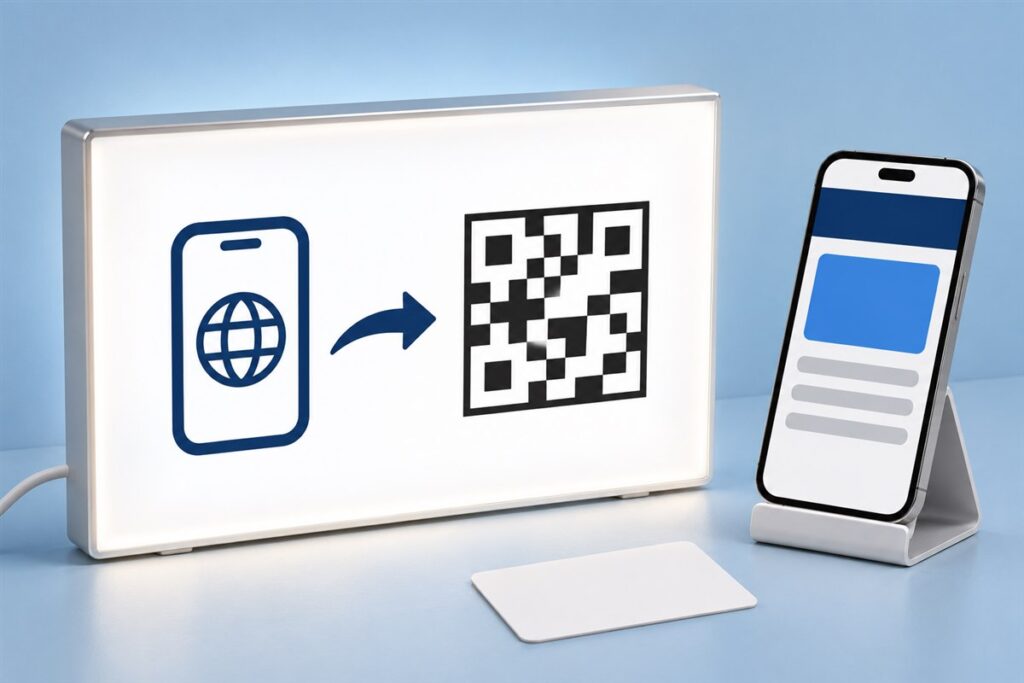
A phone recognizing a QR code does not establish that the visitor reaches the intended page. The code might open an old campaign, pass through a redirect or arrive at a language version that does not match the display. Equally, a correct destination address does not show whether the printed code can be read in the proposed light box.
When discussing a QR-bearing graphic for our LED light box signs, separate those questions before approving the artwork. Confirm the proposed graphic construction and who is responsible for the code and destination content. Use the record below to discuss the proposed checks with the graphic provider, sign supplier and destination content owner.
Agree the destination before placing the code
Ask the content owner to identify the intended public page and what a visitor should be able to do there. Record the accepted address, campaign or page name, expected language and any intentional redirect. “Link to our website” is too broad when the display offers a particular menu, information page or promotion.
Confirm what the supplied QR image actually encodes. If an intermediary service redirects visitors, identify who manages that destination mapping and who can resolve a wrong or unavailable page. Keep the distinction between the encoded address and the eventual page visible in the record.
Do not assume an existing login or saved language preference represents a new visitor. Ask the owner how the intended public language flow should work and include that scenario in the review.
Keep the code’s required clear area in the graphic
DENSO WAVE’s guidance on QR code area explains that the symbol needs a clear surrounding margin, or quiet zone. Ask the artwork provider to confirm that the supplied code and its required clear area remain intact in the final layout. Keep nearby copy, decoration and cropping from being treated as unrelated design decisions.
Use the actual output size and proposed graphic specification for the discussion, rather than approving a code only from an enlarged screen preview. Our light box graphic-size guide distinguishes the insert from the visible window. Where that construction applies, confirm that the complete code area will remain visible after the graphic is fitted; do not assume every cabinet uses a snap frame.
Ask what a representative physical check can show
Discuss whether a proposed print or representative section can be assessed with the relevant face, lighting arrangement and output size. Ask what that sample represents and what still requires review in the complete display. Confirm the availability and scope of any sample before relying on it.
State the expected scanning position and approach, including the distance the project team wants to try. Record the actual position used during the check, the phone or reader, the graphic reference and the surrounding conditions. There is no universal code size or readable distance established by this worksheet.
Request separate observations with the light box illuminated and unlit. Note any difference and whether the unlit condition represents an expected use. A scan from one close position with one phone should remain a result for that recorded situation, not a guarantee for every visitor.
Record the scan and the page as different results
First record whether the reader recognizes the physical code. Then check the decoded address, where the reader makes it available, or ask the code owner to confirm the encoded content. Do not infer the address from the caption printed beside the code.
Next follow the result through the intended public journey. Record the final page reached after any redirects and whether its content, language and intended next step match the approved purpose. A successful scan can coexist with a wrong page; an opening page can still leave the visitor unable to find the information promised by the display.
For example, in a fictional menu display, the code could be recognized while the browser opens a previous menu campaign. The physical read and the destination review have different outcomes. This example describes a possible review issue, not a real customer result.
Use a scan-and-destination record
Fill this record with actual observations. Keep an unsuccessful or incomplete check visible rather than replacing it with a general “QR approved.” On a phone, swipe the table horizontally to see all four columns.
| Check | Reference or condition to record | Actual result | Open point and responsible owner |
|---|---|---|---|
| Physical read: illuminated | Graphic/sample reference, device, position and lit condition | Enter recognized, not recognized or not tested | Identify what needs another physical review |
| Physical read: unlit | Same references, with the actual unlit conditions identified | Record separately from the illuminated result | Confirm whether this condition is part of intended use |
| Encoded destination | Accepted address and code owner’s confirmation | Record the actual encoded address or unresolved check | Name who can correct or confirm the supplied code |
| Final page and language | Expected public destination and language flow | Record the page actually reached after redirects | Name the destination content owner and any mismatch |
| Intended visitor step | Information or next action promised by the display | Record whether it is available in the reviewed journey | Keep missing or unclear content pending with its owner |
Keep the conclusion tied to what was checked
If the graphic, code image, output size or destination mapping changes, ask which checks need repeating. Keep the accepted artwork and observed conditions together. The sign supplier’s physical display review and the customer’s ongoing destination management are separate responsibilities to agree.
Send HLW SIGN your proposed graphic, intended scanning position and sample-review questions. Identify the code and content owner, and explain which physical conditions still need assessment. Browse the buyer resources for other design and order decisions.